What a raid is and why it happens
A coordinated group joins your server at once, usually with lots of new accounts, and starts posting spam, insults or dangerous links. Creator servers are a frequent target because they are visible, and a big stream can attract real new members and people who want to cause trouble at the same time.
First layer: what Discord already gives you
Before you install anything, use what Discord itself has:
- 1Server verification level: it can require a verified email, a minimum account age or time in the server, or a verified phone.
- 2AutoMod: filters words, blocks suspicious links and detects mention spam.
- 3Mandatory two-factor authentication for anyone with moderation permissions.
- 4Pausing invites if you are under attack.
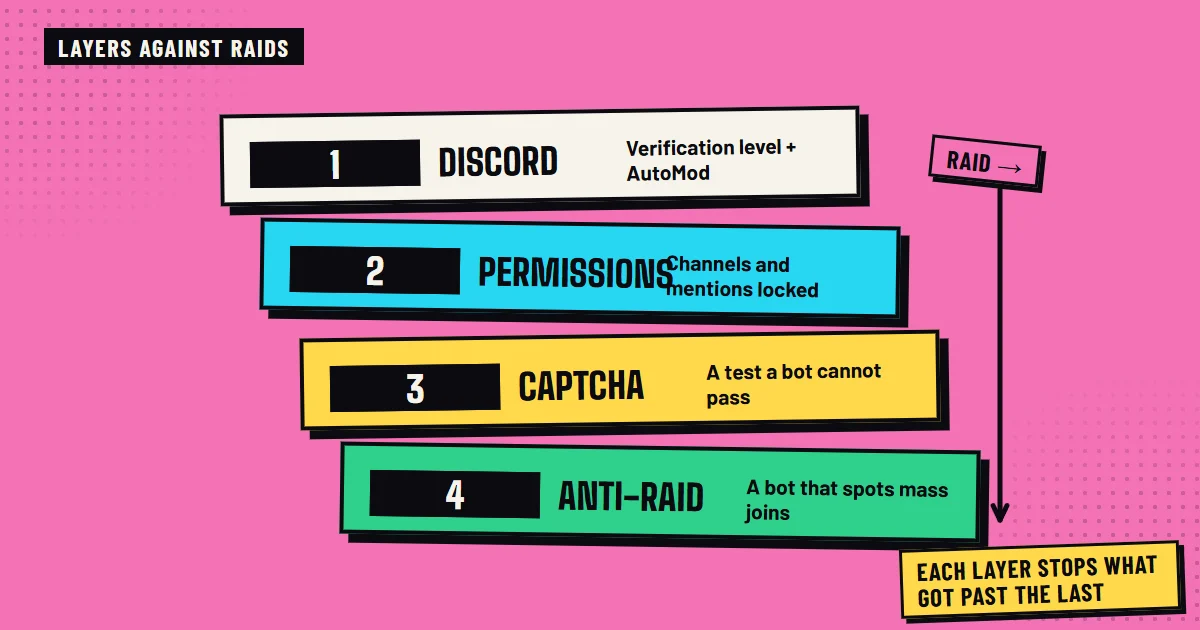
Second layer: permissions that are properly closed
Most of the damage depends on what a newcomer can do. Take away from @everyone the ability to mention everyone, upload files, embed links or create invites, and give those permissions only to verified roles. Check that no bot role has more permissions than it needs.
Third layer: captcha verification
A verification channel where a new member solves a captcha before seeing the rest of the server stops bots and automated accounts. Whoever does not verify does not get into the conversation channels.
Fourth layer: an anti-raid bot
An anti-raid bot watches what a person cannot watch 24 hours a day:
- 1It detects spikes in joins within seconds.
- 2It checks the age of the accounts that join.
- 3It applies an automatic action: kick, ban or lock the server temporarily.
- 4It logs everything so you can review afterwards.
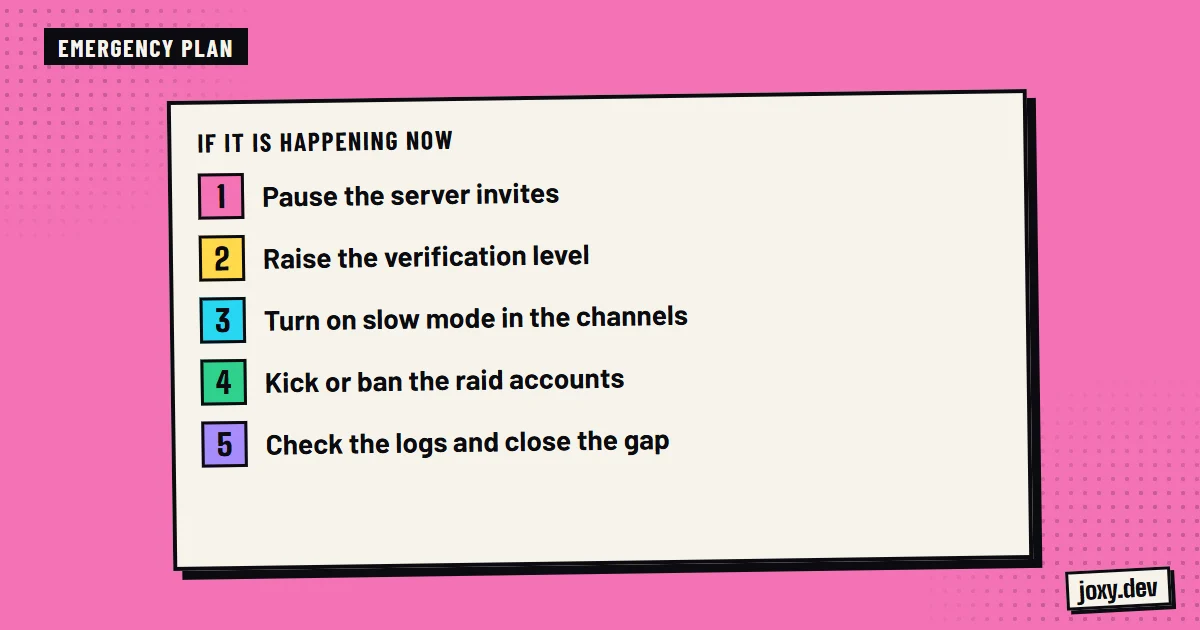
What to do if a raid is already happening
With the server under attack, the order matters:
- 1Pause invites and raise verification to the maximum.
- 2Turn on the bot’s lockdown mode, or temporarily limit the writing channels.
- 3Ban the raid accounts in bulk, not one by one.
- 4Check the logs to understand how they got in.
- 5Tell your community what happened and that it is under control.
What I do
In my moderation and security services I set up anti-raid, captcha verification, auto-ban, logs and permission control, and I leave the response plan explained to your moderation team.
Your checklist
0/4
Tick what you already have. It stays saved in this browser.
Was this guide useful?
Thanks! That helps me improve the guides.
 Keep your community active
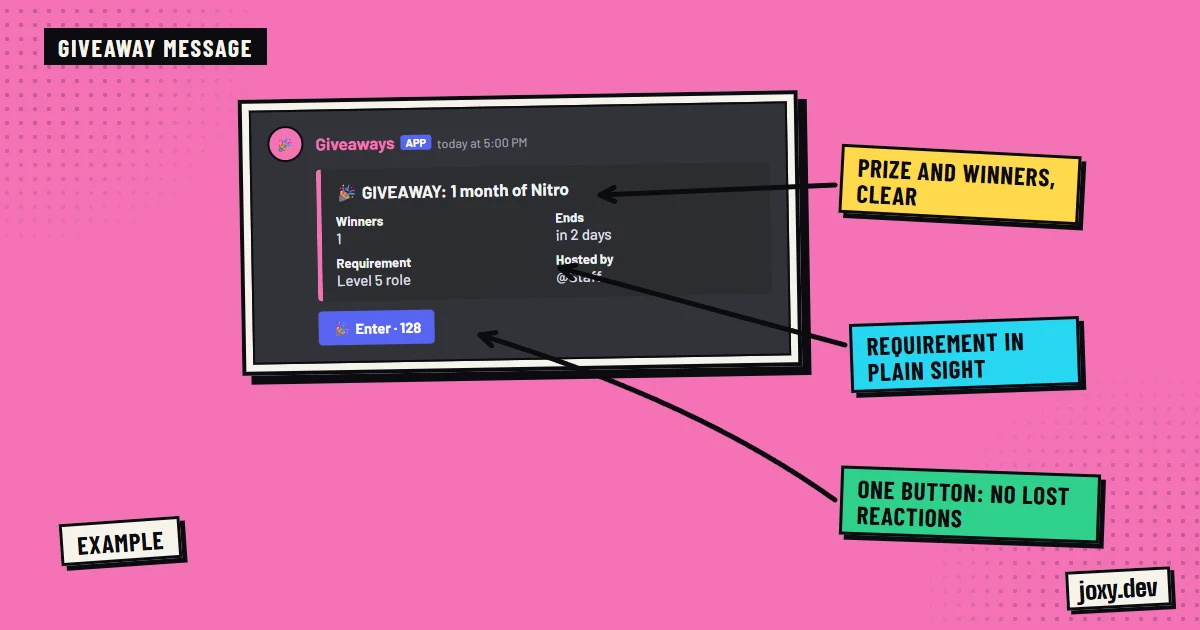 How to run a Discord giveaway
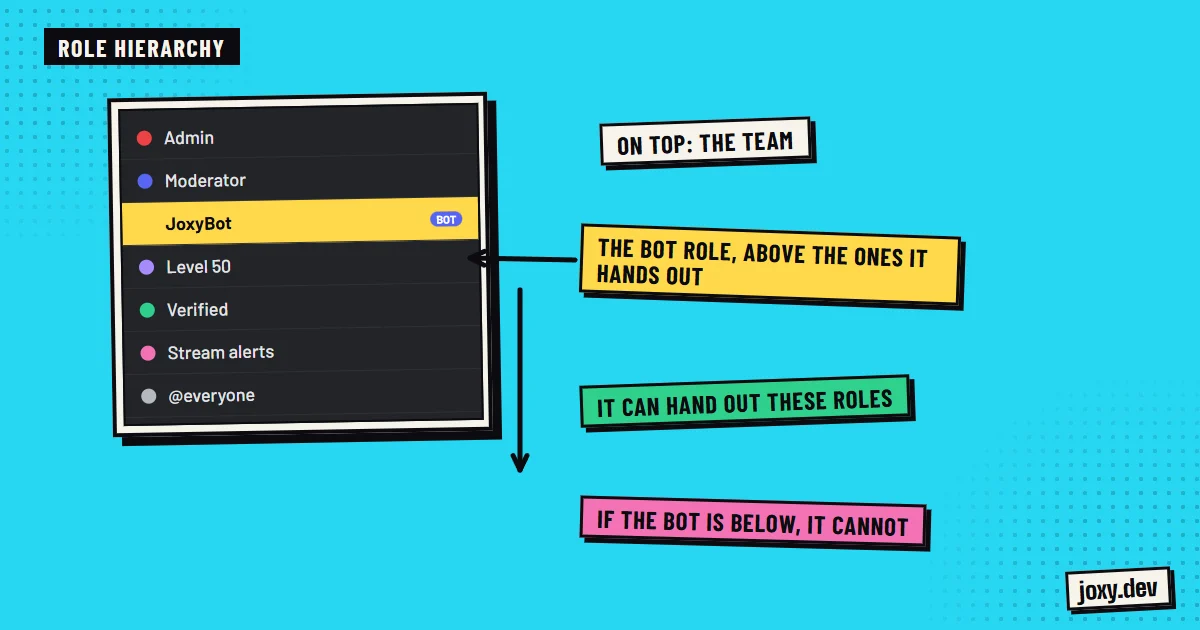 How to set up Discord roles
 How to set up a ticket system