What a ticket system is for
When a server grows, questions and reports arrive everywhere: the general chat, direct messages, comments. Tickets gather them in one place, keep the conversation private, show what is still open and stop anything from getting lost.
How it is structured
A basic system needs few pieces:
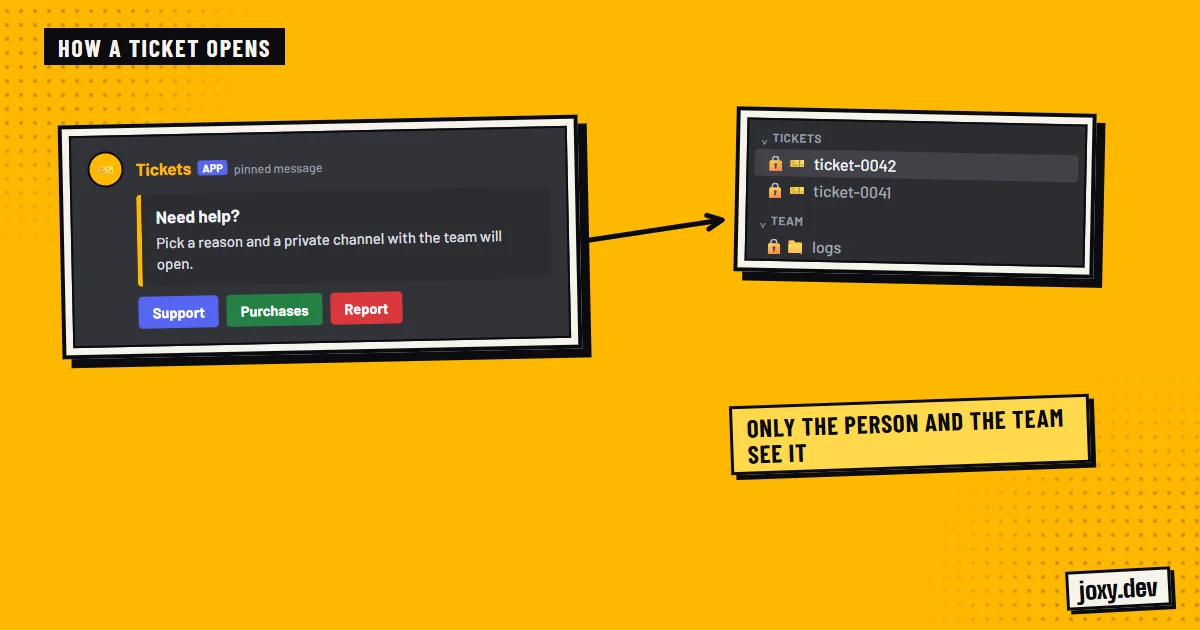
- 1A support channel with a button or a panel to open a ticket.
- 2A Discord category where the ticket channels are created.
- 3Permissions so @everyone cannot see those channels and only the person who opened the ticket and the support role can.
- 4An automatic name per ticket, for example the number or the user, to find them fast.
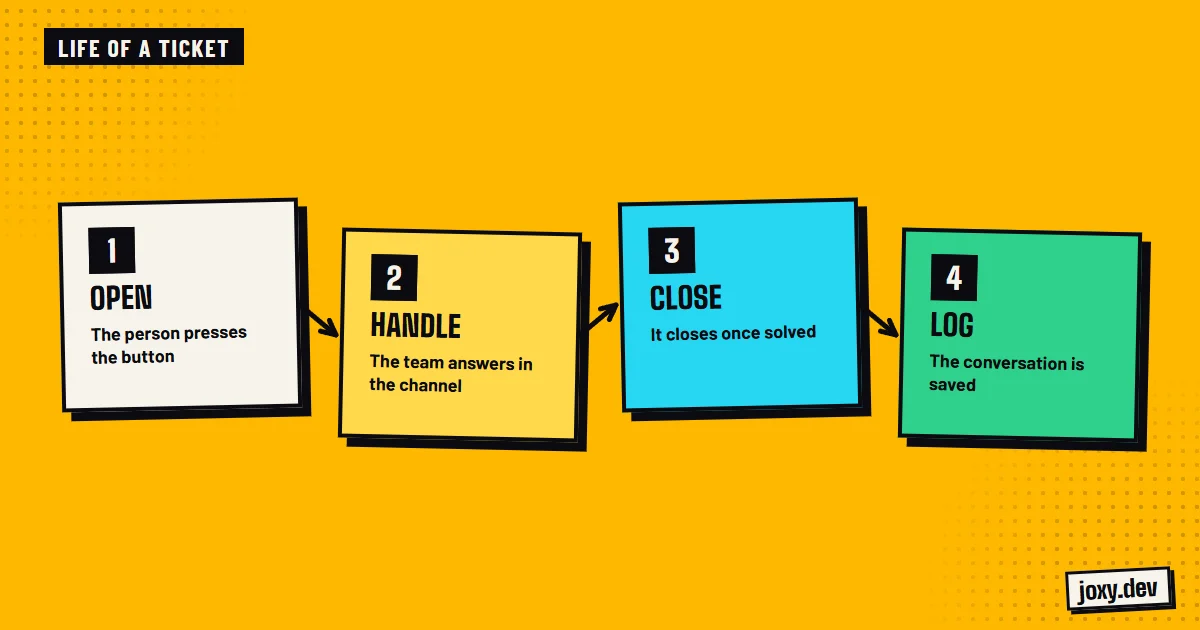
- 5A close button and a logs channel where the outcome is kept.
Categories by reason
If you receive different things, it pays to separate them: support, collaborations, user reports, purchases. With a short form when the ticket opens, the person gives the essentials from the start and the team does not have to ask for everything. Each category can reach a different role.
Good habits for the team
A system only works if the team handles it in an orderly way:
- 1State a realistic reply time on the panel.
- 2Limit how many tickets the same person can have open.
- 3Close resolved tickets so channels do not pile up.
- 4Review the logs from time to time to spot problems that repeat.
Public bot or custom bot
Public bots like Ticket Tool handle the basics well and install in minutes. A custom bot pays off if you want your own flow, categories with specific forms, alerts to different roles or tickets that connect with the rest of the server, like verification or purchases. I also configure and extend ticket bots you already have installed.
Your checklist
0/4
Tick what you already have. It stays saved in this browser.
Was this guide useful?
Thanks! That helps me improve the guides.
 Live alerts on Discord
 How to verify Discord members
 Leveling system on Discord
 How to make a Discord bot