Before you post: what to decide
A well run giveaway starts with simple decisions that are worth writing down:
- 1The prize and how many winners there will be.
- 2The closing date and time, with the time zone if your community spans several countries.
- 3The requirements: being in the server, having a certain role or level, following your socials.
- 4How the winner will be told and how long they have to claim the prize.
How to enter: reaction, button or command
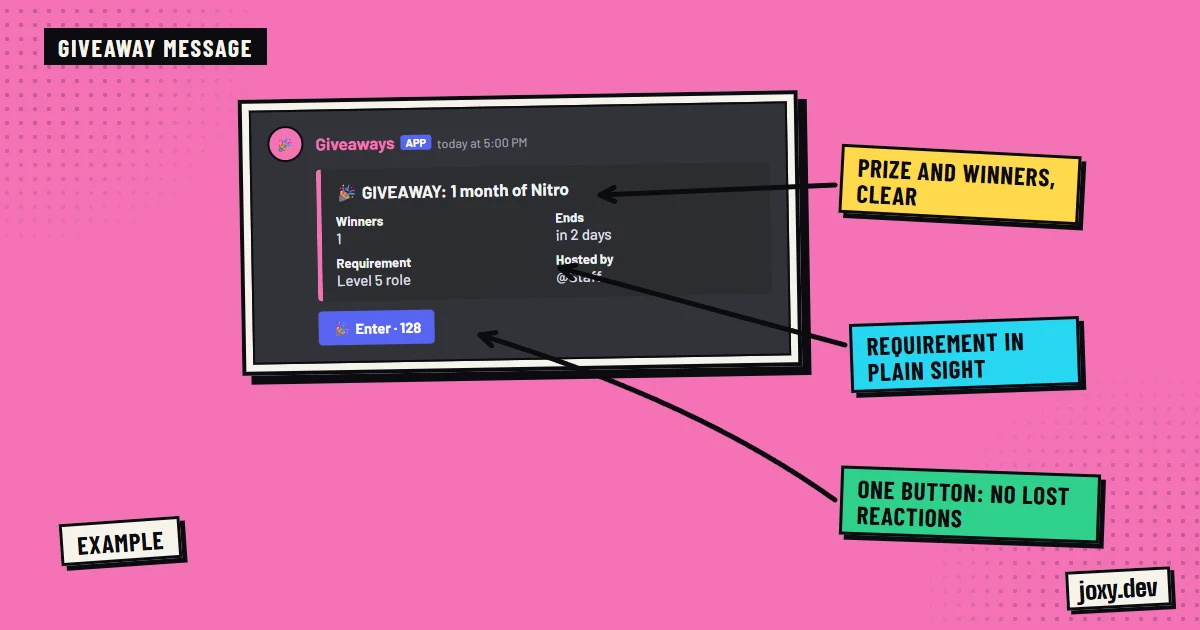
The classic way is asking people to react with an emoji to the giveaway message. It works, but it counts badly when there are a lot of people and it is easy for someone to be left out. A button on the message or a bot command is clearer, because each person is registered only once.
How to pick the winner so nobody doubts it
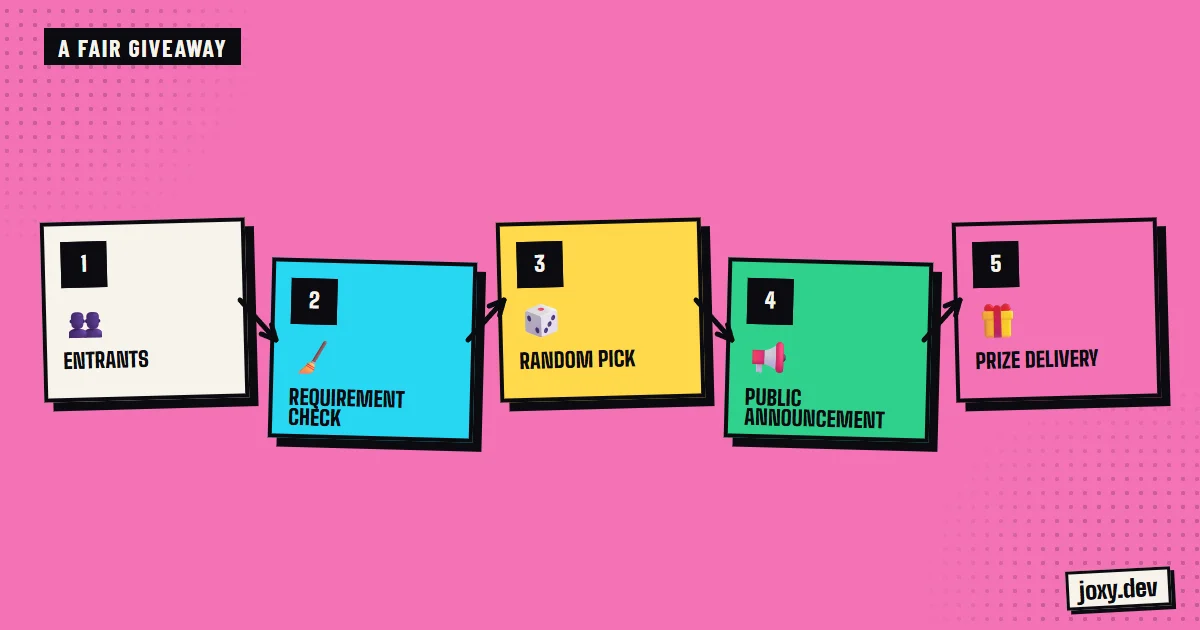
What matters is that the choice is random and visible. Picking by hand, even in good faith, always leaves room for suspicion. A bot picks at random among the entrants who meet the requirements and posts the result in the channel, which gives everyone peace of mind.
How to avoid cheating and fake accounts
Giveaways attract people who create accounts just to win. To limit that:
- 1Ask for a minimum role or level in the server, which is earned by taking part.
- 2Require a minimum account age or time spent in the server.
- 3Exclude the moderation team and anyone who has been sanctioned.
- 4Allow a single entry per person.
When it is worth automating
If you run one giveaway a month, doing it by hand is enough. If you run them every week, or on every stream, a bot saves a lot of work: they are scheduled, they count entries, apply the requirements and pick a winner without you being there. A custom bot can also tie them to your levels and coins, for example making an entry cost server coins.
If the prize has value
When the prize is money or a product, check the promotion rules of your country and the rules of the platform where you announce it. Write down that the giveaway is not sponsored or run by Discord.
Your checklist
0/4
Tick what you already have. It stays saved in this browser.
Was this guide useful?
Thanks! That helps me improve the guides.
 How to set up Discord roles
 How to set up a ticket system
 Live alerts on Discord
 How to verify Discord members