What Discord does and does not do
Discord lets you link your Twitch or YouTube account to the server to give a role to your subscribers or members. That rewards the people who support you, but it does not post alerts when you go live. For that you need a tool that watches your channel and writes the message in Discord.
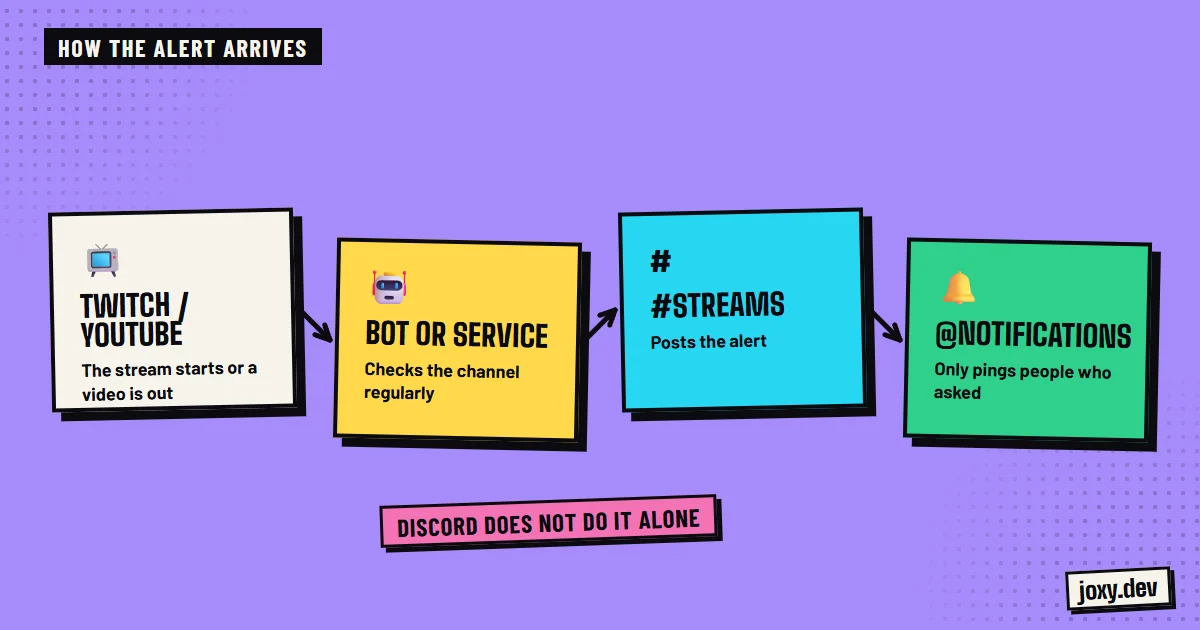
The options for posting the alert
There are three main paths:
- 1A public alerts bot, which installs in minutes and covers the basics.
- 2An external service that posts to a webhook of your channel, with no bot of your own.
- 3A custom bot, which uses your own text, your brand and rules to your taste.
How to set the channel up well
A good alert system rests on four decisions:
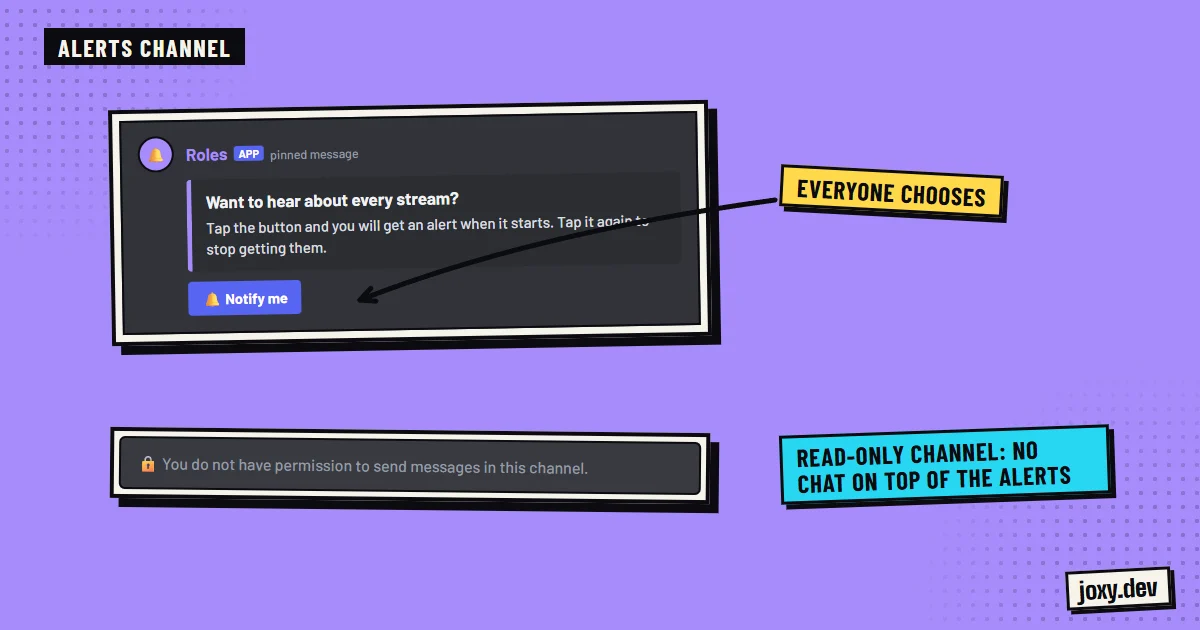
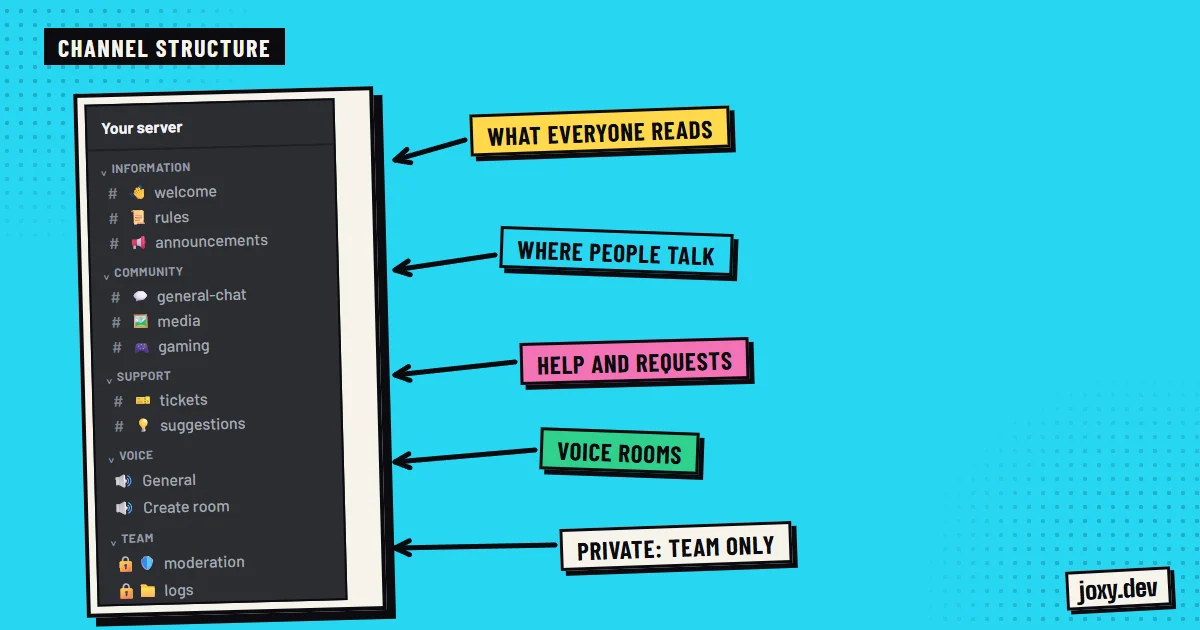
- 1A channel dedicated to streams, where only the bot can write.
- 2A "Live notifications" role that each member takes if they want the alert.
- 3A clear message with the stream title, the category or game and the link.
- 4A separate chat channel, so comments do not bury the alert.
How to avoid spam and duplicates
The most common mistake is pinging the whole server on every alert: people end up muting the channel. With an optional role, only whoever asked finds out. It also pays to test the alert with a short stream, check that it does not post twice if you disconnect and come back, and check that the link leads to the right place.
What a custom bot brings
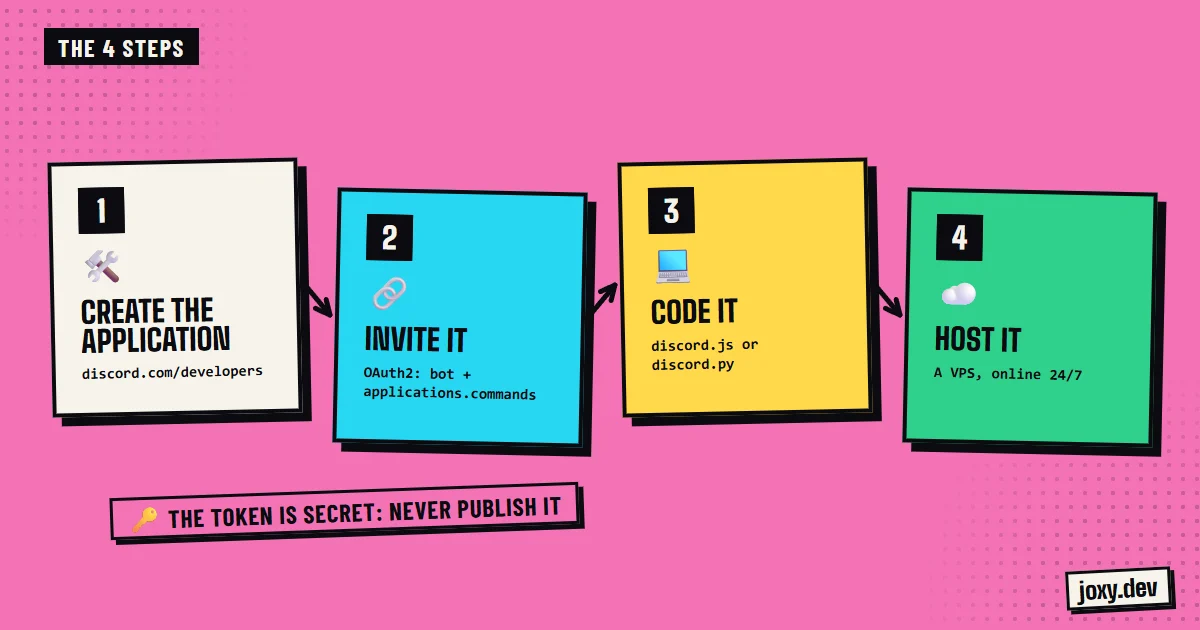
With a bot of your own you decide the alert text, the design, which streams are announced, and you can tie it to the rest of the server. For example, opening a giveaway when a stream starts or giving coins to whoever takes the alerts role. For YouTube, new videos are announced the same way.
Your checklist
0/4
Tick what you already have. It stays saved in this browser.
Was this guide useful?
Thanks! That helps me improve the guides.
 How to verify Discord members
 Leveling system on Discord
 How to make a Discord bot
 How to organize Discord channels