What Discord offers without bots
Discord ships with several layers. The server verification level requires, depending on the one you pick, a verified email, a minimum account age or time in the server, or a verified phone. On community servers you can also ask people to accept the rules before they can write, and AutoMod filters words, links and spam automatically.
How to build verification with a role
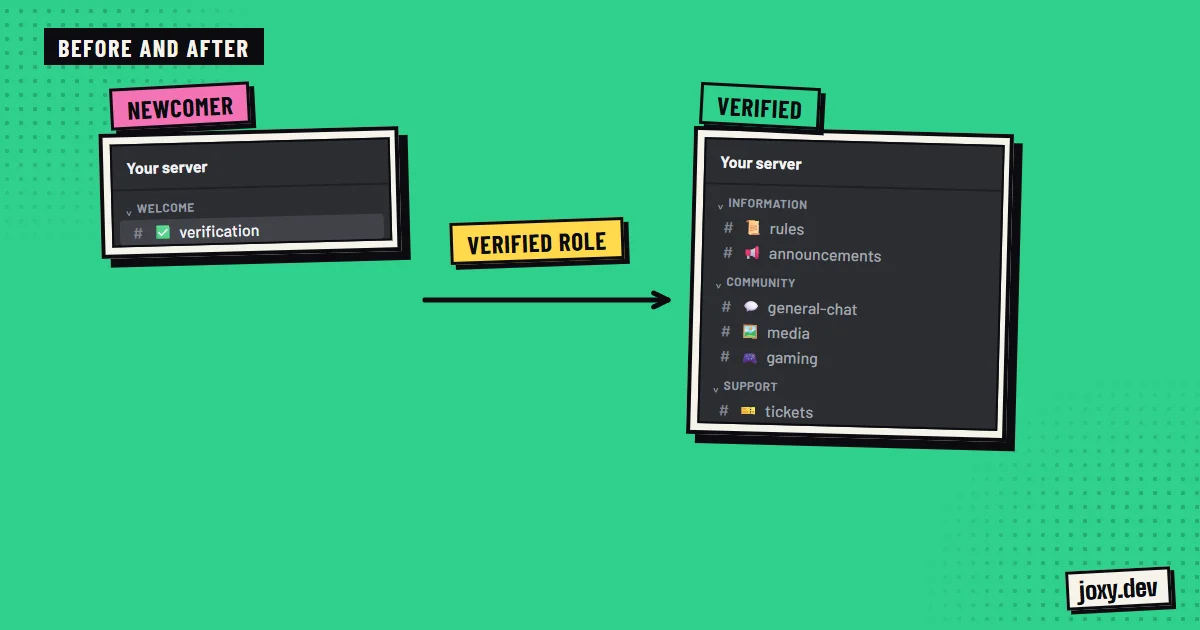
Almost every verification is built on a role that opens the server:
- 1Create a role, for example Verified.
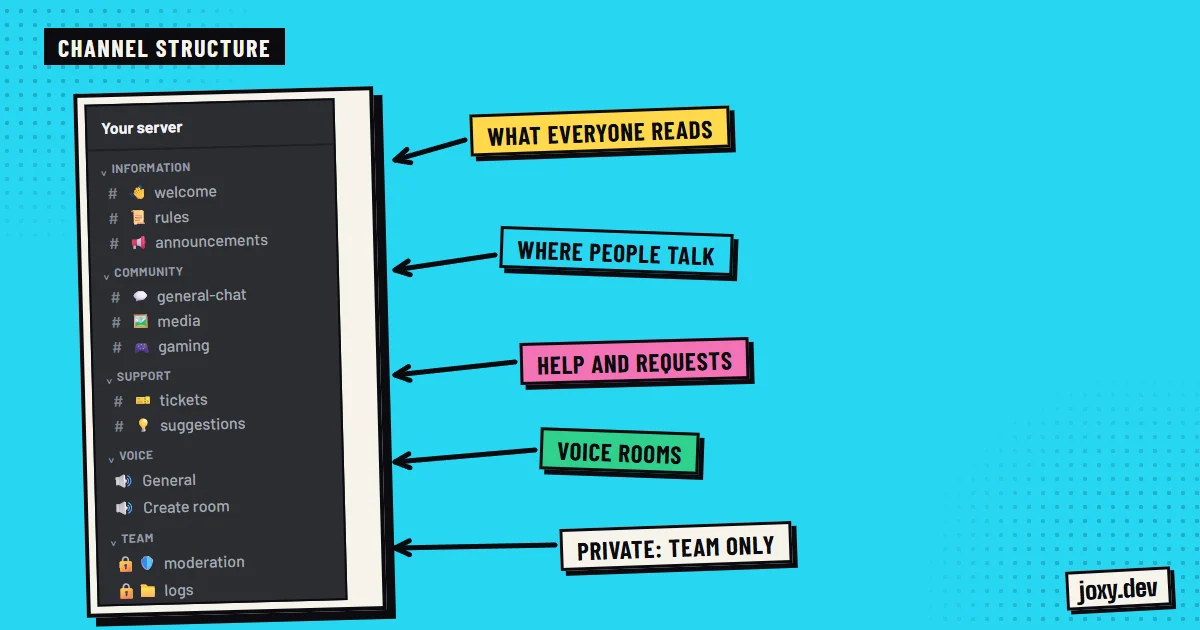
- 2Remove the view channels permission from @everyone in every category except verification.
- 3Give the Verified role permission to see the normal channels.
- 4Post a message with a button in the verification channel that hands out the role.
Check permissions channel by channel
A permission set by hand on a channel makes it stop following its category. That is how a channel can stay open while its category is closed. Once verification is set up, join with a test account without the role and check which channels it really sees.
When to add a captcha
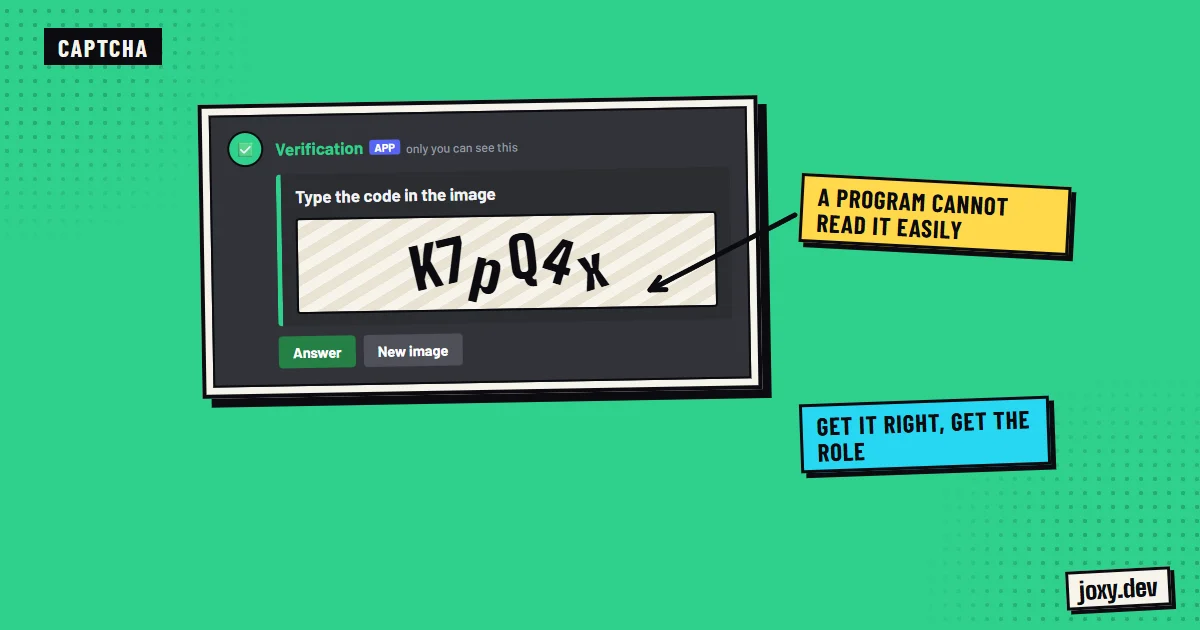
A button is enough to tell people apart from those who read nothing, but automated bots press buttons too. If you get waves of new accounts or spam, a captcha adds a test a program cannot solve easily, like reading characters in an image. Public bots do it, and so does a custom bot, which can also log who joins and alert the team.
Common mistakes
Leaving a chat channel visible to unverified members, forgetting that the bot’s role must sit above the role it hands out, adding so many checks that real people leave before getting in, and having no help channel for anyone who gets stuck.
Your checklist
0/4
Tick what you already have. It stays saved in this browser.
Was this guide useful?
Thanks! That helps me improve the guides.
 Leveling system on Discord
 How to make a Discord bot
 How to organize Discord channels
 How to add a bot to Discord