Start with the structure
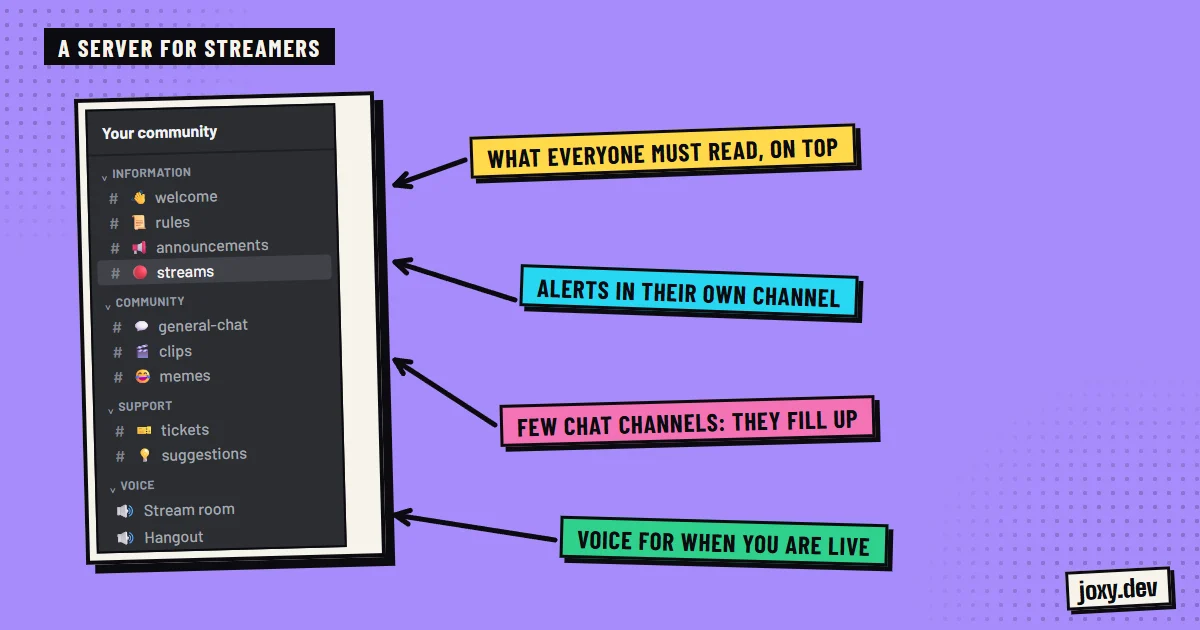
A new server with 40 empty channels is discouraging. Start with the essentials and let it grow:
- 1Welcome and rules.
- 2Announcements, where you post news.
- 3Live, for stream and video alerts.
- 4General chat and a channel for clips or fan art.
- 5Support, for questions and reports.
Roles that reflect your community
Roles decide who sees what and who can do what. For a creator these are usually enough: moderators, subscribers, verified members and a role for notifications. Discord lets you link your Twitch or YouTube account to the server to assign the subscriber role, so your paying followers get their own area without you handing it out by hand.
Live and video alerts
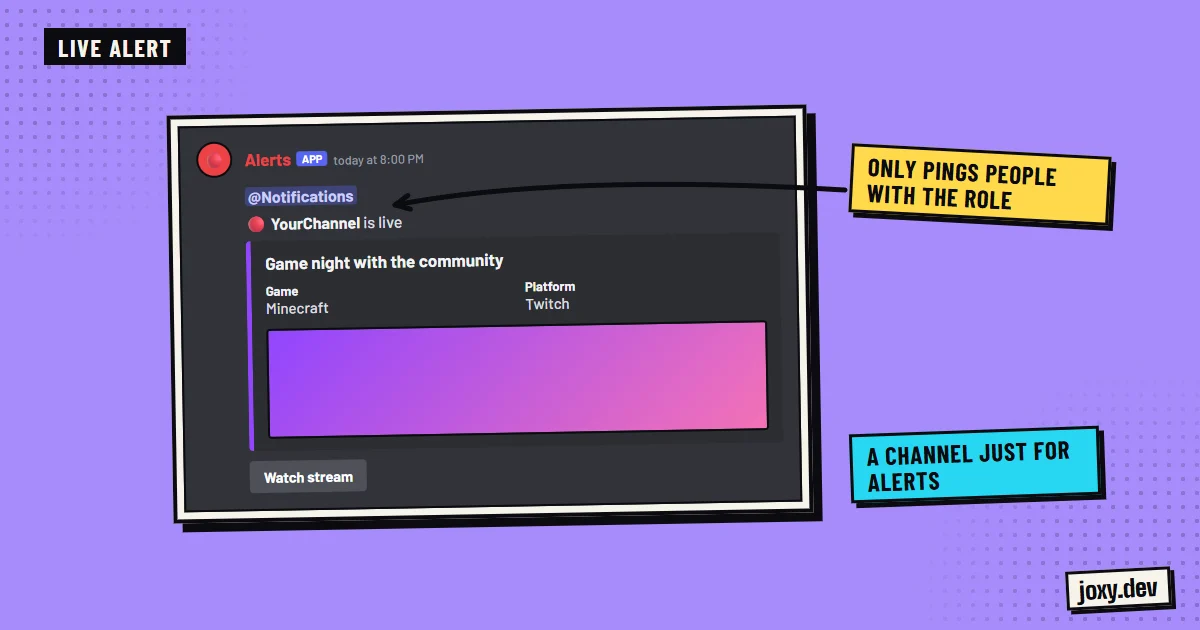
Letting your community know when you go live is the most requested feature. It is done with a bot or an integration that posts in a channel of its own. One important detail: create a "Live notifications" role and let each member opt in. That way you do not ping everyone and nobody mutes the server out of fatigue.
Give people reasons to stay between streams
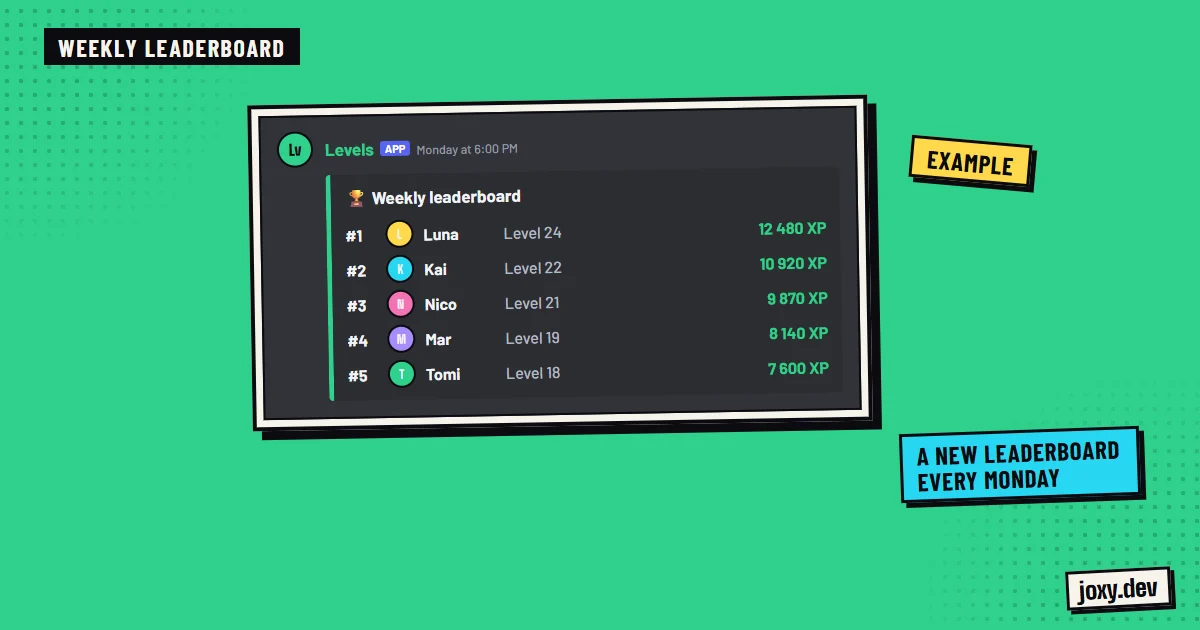
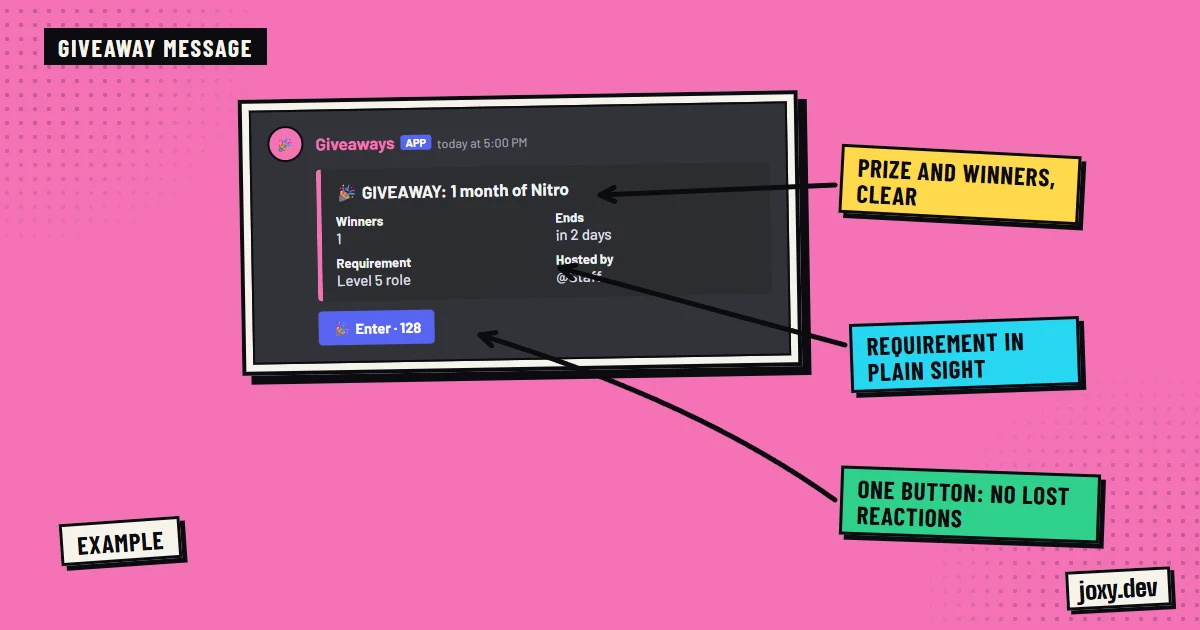
If the server only moves when you are live, it goes quiet between streams. XP levels, server coins, minigames, giveaways and leaderboards give people something to do every day. They are systems a bot automates, so you do not have to liven up the chat yourself.
Moderation from day one
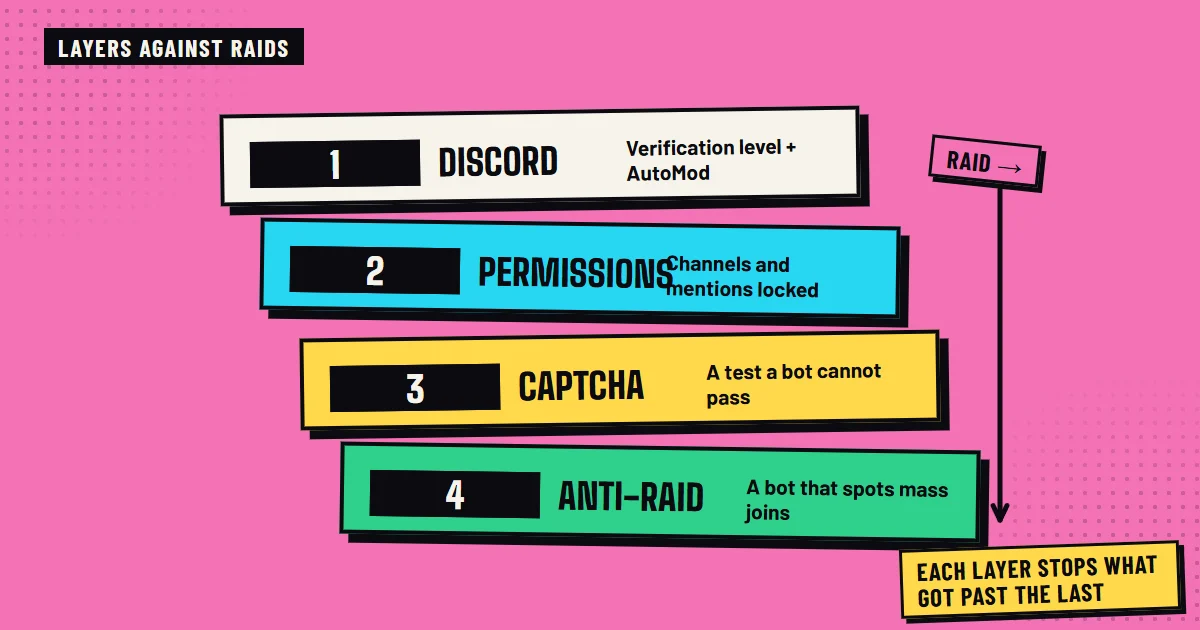
When the server grows or a stream goes viral, a lot of people arrive at once, and so do the problems. Get it ready before that:
- 1Raise the server’s verification level.
- 2Turn on Discord AutoMod for links, insults and mention spam.
- 3Ask new members for captcha verification.
- 4Add an anti-raid system and logs of what happens.
- 5Require two-factor authentication for anyone who moderates.
Mistakes that keep repeating
The most common ones are opening too many channels at the start, leaving permissions open by accident, having no moderators when the first few hundred members arrive and pinging everyone on every alert. A structure planned from the beginning avoids all of them.
Your checklist
0/4
Tick what you already have. It stays saved in this browser.
Was this guide useful?
Thanks! That helps me improve the guides.
 Custom bot vs MEE6 and Carl-bot
 Protect your Discord from raids
 Keep your community active
 How to run a Discord giveaway