Discord server setup
I build your Discord server from scratch: channels, categories, roles and permissions in order, so anyone who joins understands where everything goes from day one.
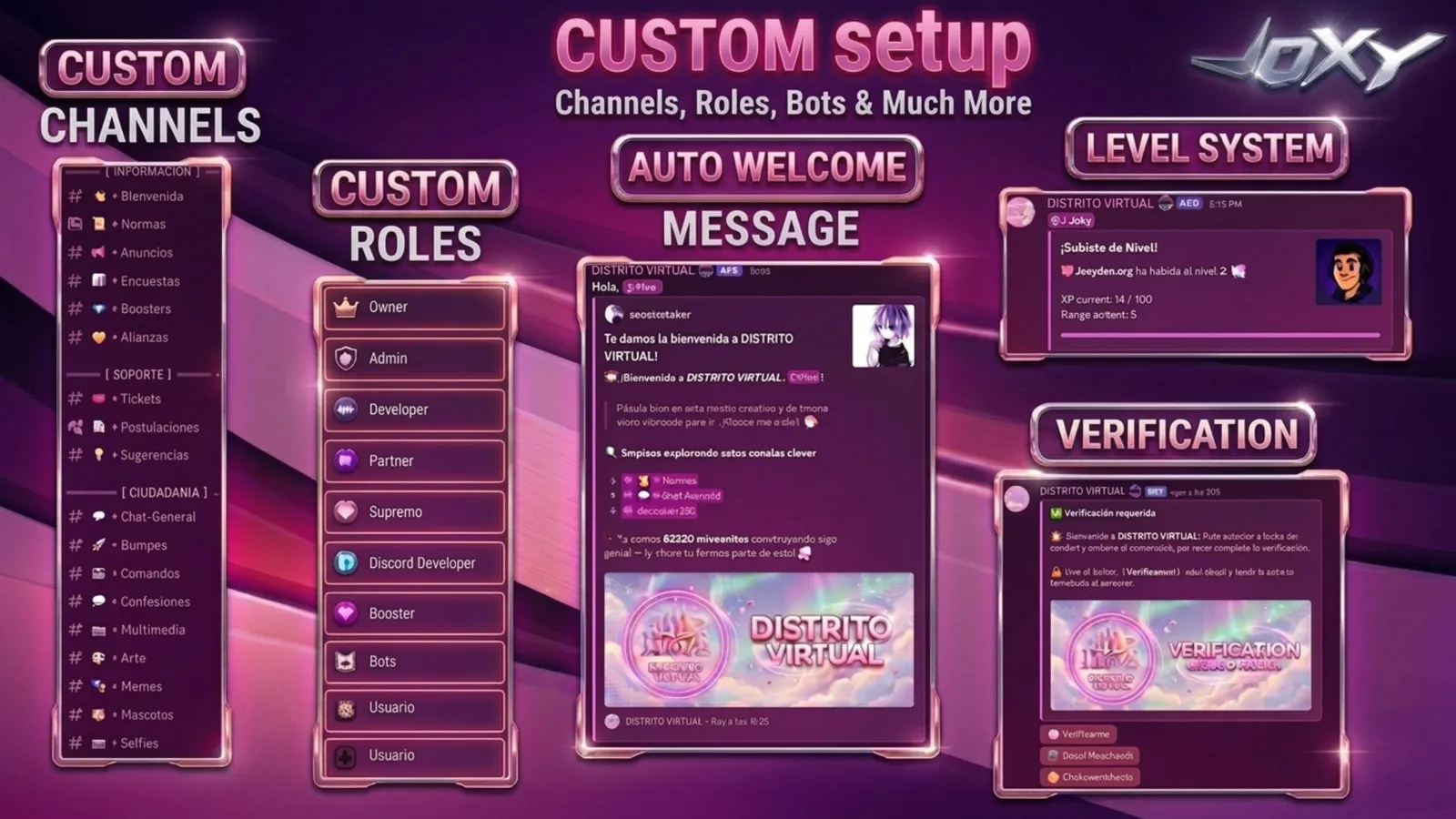
What you get
- 01
Channels and categories
A clear structure, made for your kind of community and ready to grow.
- 02
Roles and permissions
Each role sees and does only what it should. No channels left open by accident.
- 03
Welcome system
New members get a message when they join and know where to start.
- 04
Rules and info
Rules and information channels written and placed where people read them.
- 05
A design of its own
Names, icons and order with your community’s identity, not a template.
- 06
Fast delivery
Most projects are ready in 24 to 48 hours. I confirm the time before I start.
How I work
- 1
We talk
Tell me what you need. Discord, WhatsApp or the form. Whatever works for you.
~5 min - 2
We plan
We define the scope, price and delivery time. No surprises.
< 24h - 3
I build
I configure or develop your project with attention to detail. I keep you informed.
24 – 48h - 4
Delivery
You review everything, request changes if needed. Done. Post-delivery support included.
✓ Listo
Frequently asked questions
What does setting up a Discord server from scratch include?
Channels and categories, roles and permissions, a welcome system, rules and info channels and a design with your community’s identity. The Starter plan includes up to 20 organized channels.
How long does it take and what does it cost?
Most projects are ready in 24 to 48 hours. Starter costs $50, Pro $180 and Elite starts from $400. The details are on the plans page.
What is the difference between Starter, Pro and Elite?
Starter is a complete basic server. Pro adds a custom bot, anti-raid, tickets, captcha, levels and minigames. Elite is for large or complex projects, with 3 rounds of revisions.
How are role permissions handled?
Each role sees and does only what it should, with no channels left open by accident. Permissions are defined as part of the work, and the roles guide explains how they are organized.
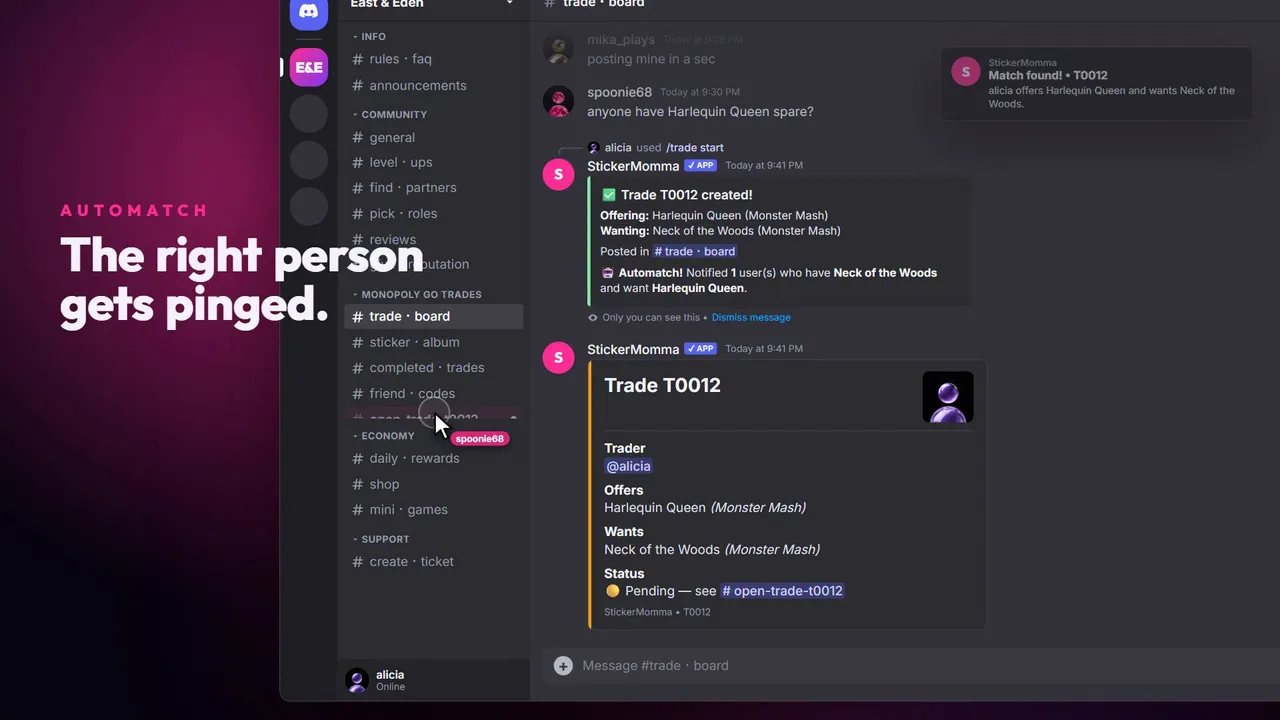 East & Eden
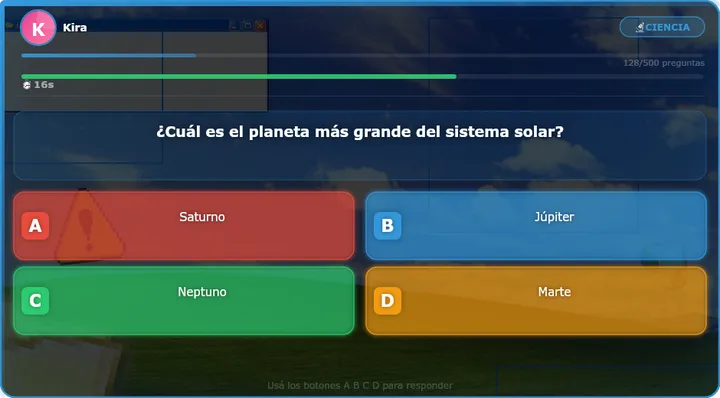 RobleisBOT
Guides on this topic
- Discord for streamers, step by stepStart with few channels and add more when people ask for them.→
- How to set up Discord rolesFew roles, with clear names, ordered by hierarchy.→
- How to verify Discord membersRaise the server verification level in the safety settings.→
- How to organize Discord channelsGroup the channels into four or five categories with a clear purpose.→
- How to add a bot to DiscordUse the bot’s official invite link, from its website or its profile.→
Other services
- Custom botsCustom slash commands · Automatic moderation · Economy systems→
- Moderation and securityAnti-raid · Captcha verification · Auto-moderation→
- Levels, economy and minigamesXP levels · Automatic roles by level · Virtual economy→
- Discord for creatorsLive and video alerts · Giveaways and events · Levels and roles→
- WebsitesA design of its own · Mobile-friendly · Ready for Google→
Ready to start?
Message me on Discord or WhatsApp. I reply in under 24 hours.